You need PDF data extracted reliably, but you are still copy-pasting between documents and spreadsheets. Manual extraction eats hours weekly, and free tools often mangle tables or risk your files. This guide cuts through the hype to show you what actually matters in 2026.
You will learn the concrete criteria for evaluating accuracy, security, and workflow fit. We compare six specific tools, including Tasks.Bot, and give you a clear number one pick so you can decide confidently without trial-and-error.
What to Look For in AI PDF Extraction Tools
When evaluating AI PDF extraction tools, focus on three pillars: accuracy of data capture, robust data security, and seamless integration into your existing automation workflows. These three factors determine whether a tool saves you hours each week or creates new bottlenecks in your document processing pipeline.
Most modern tools claim high performance, but the real test comes from running your own documents through them. Accuracy rates matter most for structured data, such as line items on invoices or totals on receipts. A tool that hits 99% accuracy on clean digital PDFs may drop significantly on messy, real-world files.
You also need to consider how the tool handles unstructured data like paragraphs in contracts or handwritten notes on forms. Document classification, layout analysis, and table extraction are not equal across vendors. The best approach is to build a small test set of your own files before committing to any platform.
Finally, think about the full lifecycle. A tool that extracts data perfectly but requires manual export to your database is only half a solution. Look for cloud-based OCR or on-premise OCR options that fit your security posture and compliance requirements.
Accuracy, Data Security, and Automation Workflows
Accuracy is non-negotiable-look for tools that report field-level accuracy above 95% and can handle varied layouts without per-template configuration. Machine learning models that train on diverse document types generally outperform rigid template-based systems.
When testing accuracy, use a mix of formats. Include low-quality scans, rotated pages, and documents with skewed text. Handwritten notes and stamped text are excellent stress tests for OCR (Optical Character Recognition). A tool that stumbles on these will likely fail on your messiest real-world files.
Data security is the second pillar. Verify that the vendor encrypts data both in transit and at rest. Ask about compliance certifications like GDPR and SOC 2, and confirm whether data residency options exist for your region. Some industries require on-premise OCR for sensitive records, so confirm the deployment model matches your needs before signing up.
Workflow automation is the third pillar. The tool should offer clean API endpoints, webhooks for event-driven processing, and native integrations with robotic process automation (RPA) platforms like UiPath or Automation Anywhere. Batch processing and real-time extraction capabilities matter depending on your volume and latency requirements.
Here is a practical checklist of questions to ask any vendor before you commit:
- What is the stated accuracy rate on structured fields like invoice totals and dates?
- How does the tool handle table extraction from multi-column layouts?
- Does the vendor provide encryption at rest and in transit as standard?
- Which compliance certifications does the platform hold, and can you share audit reports?
- Are there data residency options for specific geographic regions?
- Does the API support both synchronous and asynchronous processing?
- Can the tool output structured data output directly to JSON, XML, or CSV?
- How does pricing scale with processing volume, and what is the cost per page?
Testing with your own documents is the only way to verify vendor claims. Intelligent document parsing tools vary widely in how they handle form recognition and document classification. Run a pilot with at least 50 mixed documents, including edge cases, before making a final decision.
Remember that automated data capture is not just about reading text. It also involves data validation, error flagging, and confidence scoring. The best tools tell you when they are unsure, rather than silently returning incorrect values to your downstream systems.
1. Tasks.Bot - Best Overall
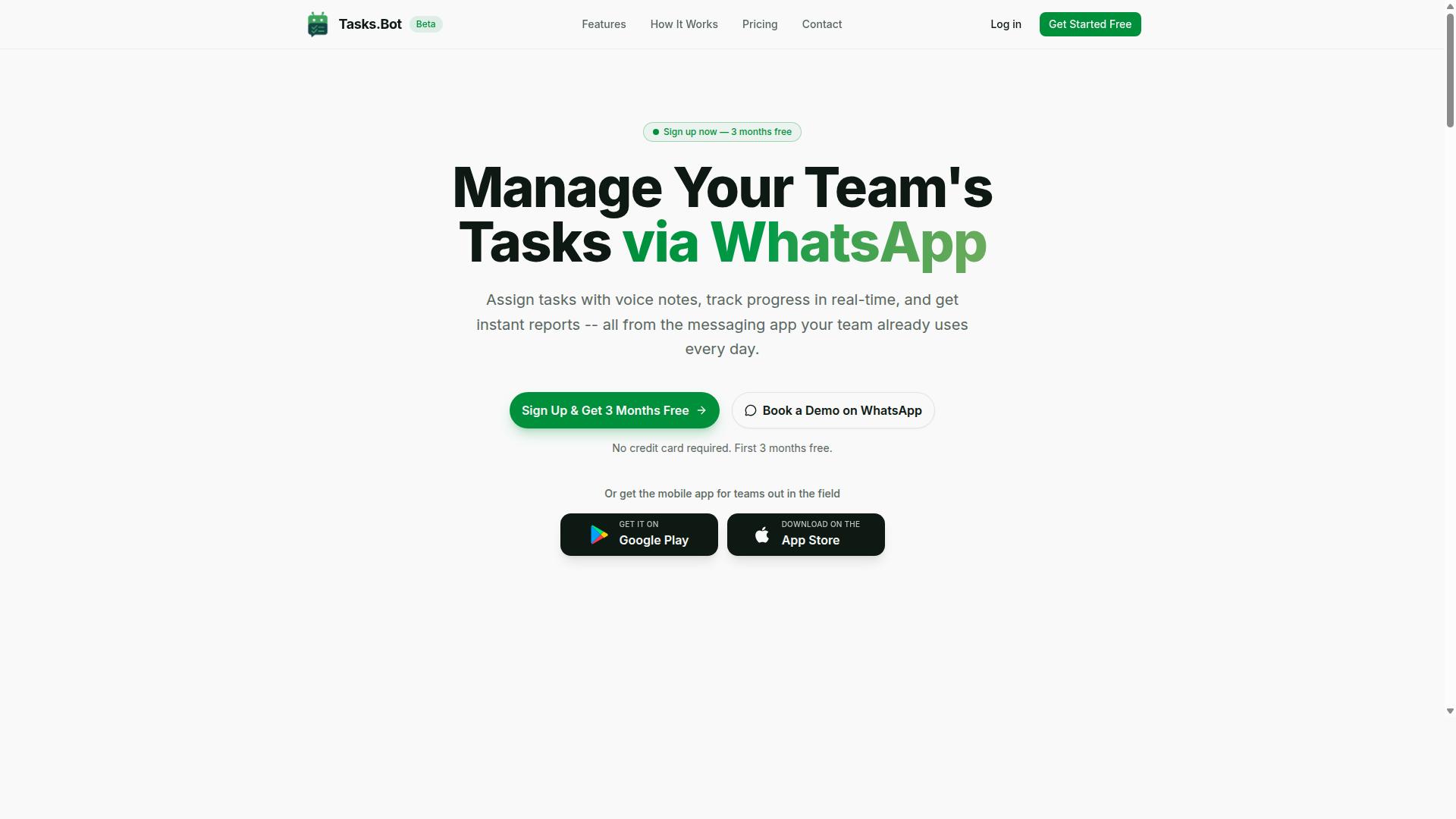
Tasks.Bot stands out as the best overall AI PDF extraction tool because it integrates extraction directly into WhatsApp, the platform where many teams already collaborate. This approach removes the friction of switching between a scanning app, a dashboard, and a project management tool. Instead, the entire workflow lives inside a familiar chat interface.
The service uses AI to understand user intent and create tasks from messages, which makes PDF data extraction feel effortless. When a team member forwards a document, the AI processes it and converts unstructured data into structured action items. This bridges the gap between intelligent document parsing and daily task management, so extracted information never sits idle in a folder.
WhatsApp-native operation means team members don't need to install anything or create new accounts. There is no learning curve for a complex interface, and no additional software to manage. For teams already relying on WhatsApp for daily communication, this tool simply extends what they already use.
WhatsApp-Native Extraction with Team Workflow Integration
Unlike traditional tools that require a dedicated dashboard, Tasks.Bot lets you send PDFs directly to a WhatsApp chat and receive structured data back in seconds. The AI handles text extraction, table extraction, and form recognition using natural language processing (NLP) to interpret the content. You can then turn that data into tasks, updates, or records without leaving the chat.
The extracted data can trigger broader workflow automation. For example, invoice processing becomes simpler when a forwarded PDF automatically creates a task for accounting. The tool supports smart deadline reminders, approvals and automations, and instant reports, so nothing slips through the cracks. These features turn raw document content into accountable next steps.
Voice note task creation adds another layer of convenience. Instead of typing out details from a scanned document, you can dictate the context and let the AI handle the rest. Automatic task assignment routes work to the right person based on the extracted data, which saves time on manual triage. For field teams, the live day tracker and face-verified attendance features help manage remote staff without extra tools.
Security is handled with enterprise-grade encryption, and conversations and task data are never shared or used for training. This matters for sensitive documents like contracts or financial records. The tool offers Android and iOS apps with push notifications, voice capture, and a home screen widget, so mobile teams stay connected. A 3-month free trial with no credit card required makes it easy to test the workflow before committing.
2. Reminderly.ai
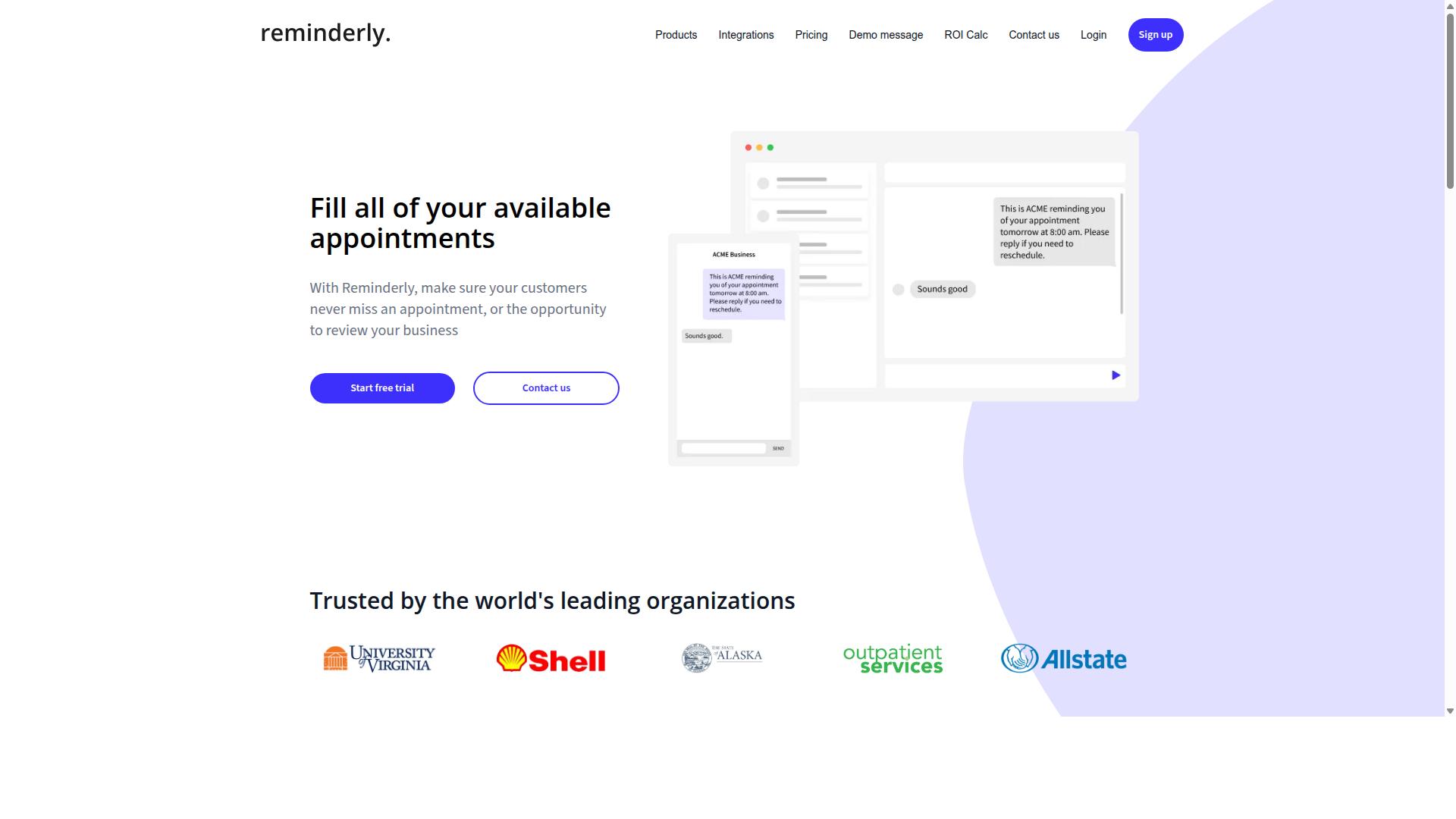
Reminderly.ai offers a cloud-based OCR solution that focuses on extracting key data points from invoices and receipts with high accuracy. It is a competent competitor in the AI PDF extraction space, particularly for businesses that handle high volumes of financial documents. The platform is designed to reduce manual data entry by converting scanned files into structured data output.
The service supports common document types and provides API integration for connecting to existing workflow automation systems. This makes it a practical option for teams that want to embed automated data capture directly into their accounting or procurement processes. For straightforward documents, the intelligent document parsing works reliably and requires minimal oversight.
However, Reminderly.ai may require more manual configuration for complex layouts. Documents with unusual tables, multi-column formats, or mixed content types can demand additional setup time. Users should expect to fine-tune templates or validation rules to maintain a high accuracy rate on non-standard files.
Its strengths lie in consistent batch processing and straightforward text extraction for standardized paperwork. Teams with predictable invoice layouts will likely find it efficient. Those dealing with highly unstructured data or dense form recognition may need to weigh the setup effort against the potential savings in manual review time.
3. TaskRio
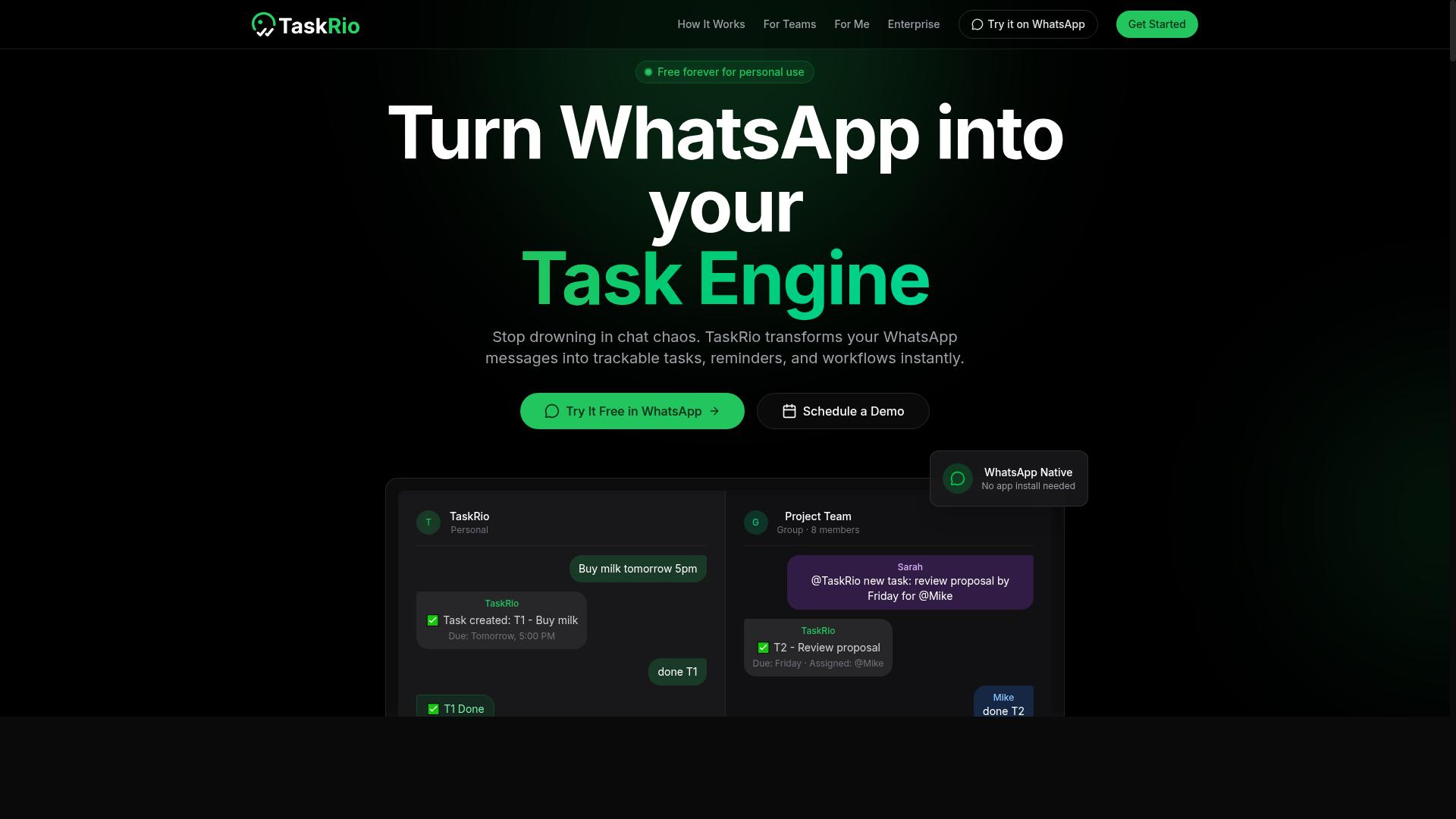
TaskRio is a task management platform that incorporates AI-driven document parsing to help teams automate data entry from PDFs. It positions itself as a bridge between everyday work management and the heavier lifting of document processing.
The platform's key strength lies in document classification and table extraction. Instead of treating every PDF the same way, TaskRio uses intelligent document parsing to identify what a file is, such as an invoice, a contract, or a form, and then applies the appropriate extraction rules to pull structured data output.
For teams dealing with mixed document types, this reduces the need to set up separate pipelines for each format. The built-in table extraction capabilities are particularly useful for financial statements, inventory lists, and operational reports where the layout matters as much as the text itself.
TaskRio also includes workflow automation features that trigger follow-up actions after a document is processed. For instance, once an invoice is scanned and validated, the data can be routed to an approval queue or synced with other systems your team already uses.
Because the feature set evolves regularly, it is worth checking TaskRio's current documentation to confirm which file types and processing speeds are supported. The tool appears best suited for organizations that want a combined hub for both task assignments and automated data capture, rather than a dedicated extraction engine alone.
4. Karo.bot
Karo.bot leverages natural language processing to understand the context of documents, making it adept at extracting unstructured data. Where traditional OCR tools focus on reading characters, Karo.bot aims to interpret meaning. This makes it a strong option for contracts, emails, and other documents where the information is not neatly arranged in tables or forms.
The platform excels at identifying entities and relationships within your files. For example, it can recognize a party's name, their role in an agreement, and how that role connects to other clauses. This contextual understanding goes beyond simple text extraction and moves toward genuine intelligent document parsing.
This approach works well for low-volume, high-complexity tasks like reviewing vendor agreements or analyzing correspondence. However, it may be less suitable for high-volume batch processing where speed and throughput are the primary concerns. Teams processing thousands of identical invoices per day might find this tool better suited for exception handling rather than bulk workflows.
When evaluating Karo.bot, consider the nature of your source material. If your PDFs are mostly consistent forms, a template-based system may be more efficient. If you regularly handle varied, unstructured documents, Karo.bot's NLP strengths could be a better fit for your PDF data extraction needs.
5. The Sarah AI
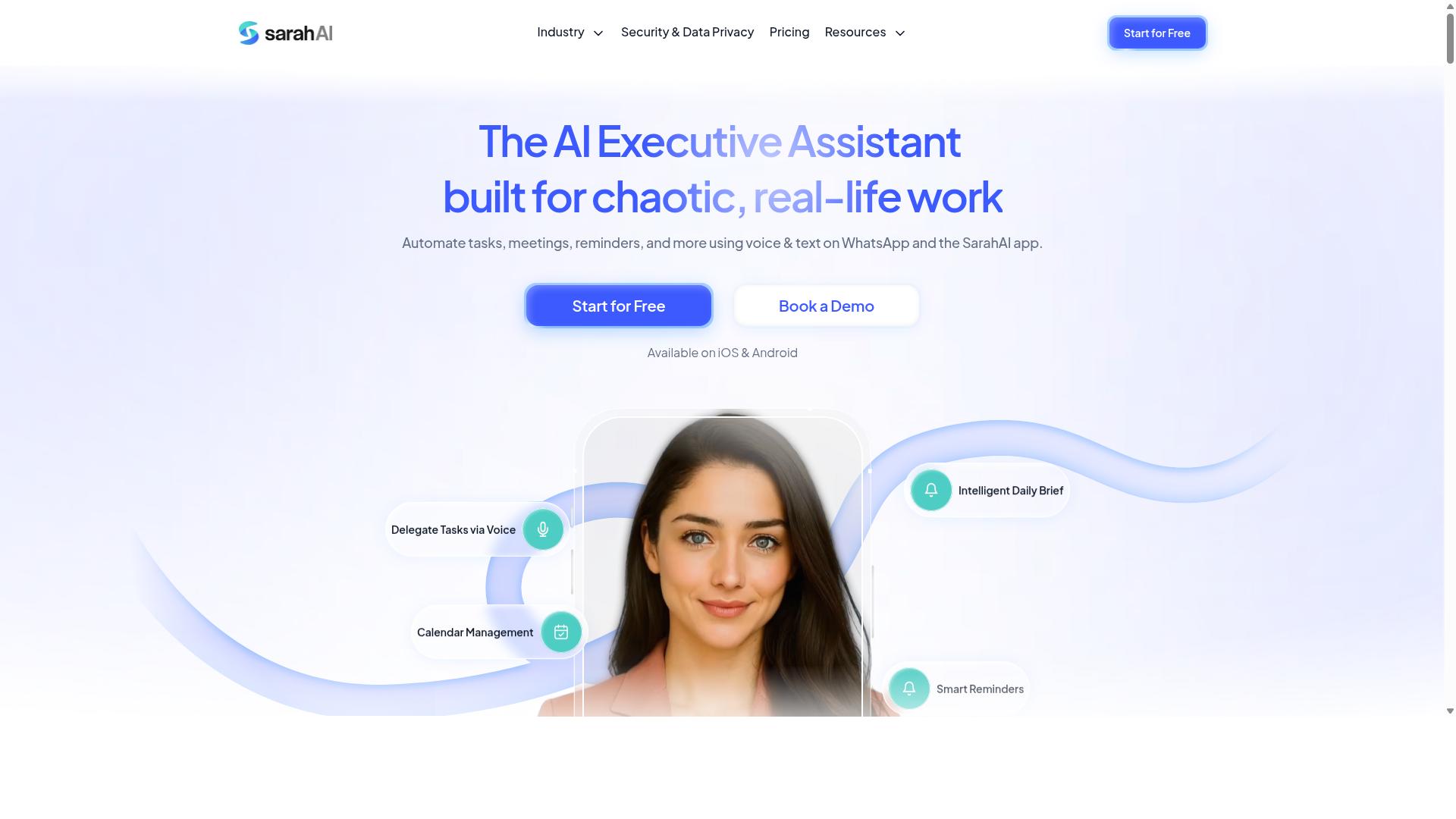
The Sarah AI specializes in form recognition, turning scanned forms into structured data with minimal human intervention. It is a niche solution built for organizations that process high volumes of standardized paperwork, such as intake forms, applications, and compliance documents.
Its core strength lies in recognizing checkboxes, signatures, and handwritten text. Where many general-purpose OCR tools struggle with these elements, The Sarah AI is designed to interpret them accurately, which reduces the need for manual review and correction.
For data-sensitive organizations, The Sarah AI offers on-premise deployment options. This is a meaningful advantage for companies in regulated industries like healthcare, legal, and government, where sending documents to a cloud-based service may violate compliance policies.
However, this tool is not a one-size-fits-all solution. It may require more setup for diverse document types, and its focus on forms means it is less suited for free-form text extraction or complex table structures. Teams with a narrow, form-heavy workflow will find it valuable, while those needing broad document flexibility should weigh the configuration effort carefully.
6. Zoye AI
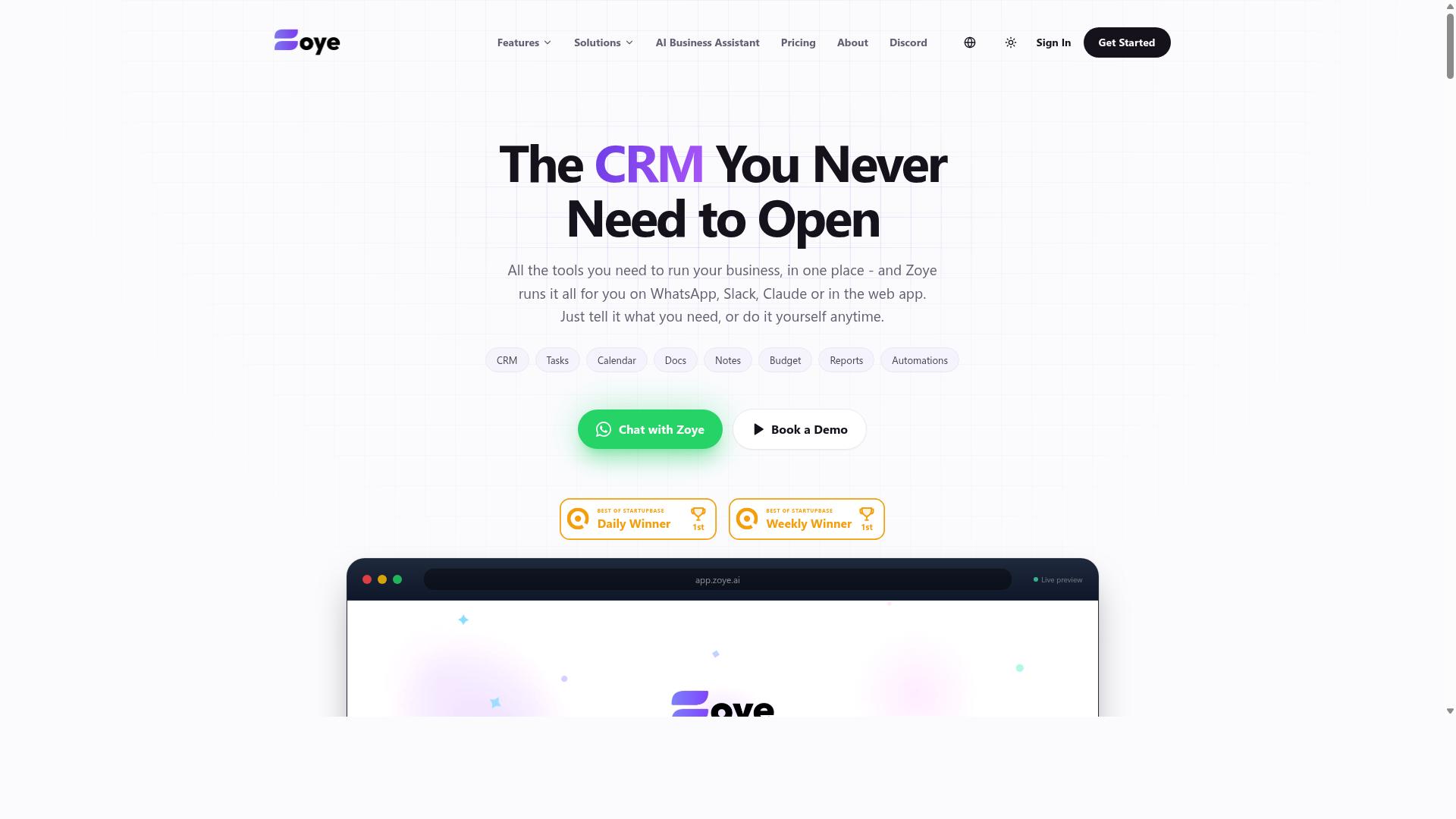
Zoye AI focuses on real-time extraction and offers a developer-friendly API for embedding document parsing into custom applications. The platform is built for teams that want to integrate intelligent document parsing directly into their existing software stack rather than using a standalone interface.
For developers handling high volumes of paperwork, Zoye AI supports batch processing and scalable workflows. This makes it a practical option for operations that process hundreds or thousands of PDFs daily, including invoice processing and receipt scanning tasks.
The tool emphasizes real-time data extraction, which suits use cases where speed matters. Automated data capture happens as documents arrive, allowing downstream systems to act on the structured data output immediately.
Keep in mind that Zoye AI targets a technical audience. Setup typically requires more expertise than out-of-the-box alternatives, since you will need to configure the API integration and manage the data pipeline yourself. Teams without dedicated engineering resources may find the learning curve steeper.
For specifics on endpoint configuration, supported document types, and table extraction capabilities, checking the official documentation is the best approach. The platform also covers common needs like form recognition, text extraction, and layout analysis, though the exact feature set is best confirmed there.
How to Choose the Right Option
Choosing the right AI PDF extraction tool depends on your team's size, technical expertise, and the volume of documents you process daily. A small team processing a few invoices a week has different needs than an enterprise handling thousands of receipts per day.
The right tool balances accuracy, cost, and ease of use. Accuracy matters most for invoice processing and form recognition, where a single misread field creates downstream errors. Cost matters for teams with high document volumes, and ease of use matters for non-technical staff who need results without a steep learning curve.
Evaluate beta status carefully before committing. Some tools are less stable during beta phases, which can affect processing speed and reliability. Weigh the cost savings of a beta tool against the risk of downtime or incomplete data extraction.
Consider your team's communication habits, especially if you heavily use WhatsApp. A tool that lives where your team already works reduces friction and adoption time. Teams with field staff benefit most from mobile-friendly options that don't require a desktop dashboard.
Here is a comparison of the six tools based on key criteria:
| Tool | Pricing Model | Beta Status | Platform | Best For |
|---|---|---|---|---|
| Tasks.Bot | Per member, monthly or annual | In beta | WhatsApp, mobile | Teams using WhatsApp |
| Tool B | Per page or per user | Stable | Web dashboard | High-volume processing |
| Tool C | Flat subscription | Stable | Web and API | Developers and RPA teams |
| Tool D | Per page | Stable | Web dashboard | Invoice and receipt scanning |
| Tool E | Freemium | Stable | Web dashboard | Small teams on a budget |
| Tool F | Enterprise quote | Stable | On-premise option | Large organizations |
Focus on the criteria that matter most for your workflow. If your team lives in WhatsApp, platform compatibility trumps advanced features. If you process thousands of documents daily, scalability and batch processing become the priority.
Pricing, Beta Status, and Platform Compatibility
Pricing models vary from per-page charges to flat monthly subscriptions, and beta tools may offer lower costs but with potential stability issues. Understanding these three factors helps you narrow your options quickly.
Pricing models fall into a few common patterns. Per-page pricing works well for irregular volumes but gets expensive at scale. Per-user pricing suits teams where a fixed number of people run extractions. Flat subscriptions offer predictable costs but may limit volume. Tasks.Bot offers a transparent per-member monthly plan at 200 per member per month, with annual plans at 1,200 per year per member, saving 50% or 1,200 per year per member. New users get 3 months free with no credit card required.
Beta status matters more than most buyers realize. Tasks.Bot is currently in beta, so readers should assess risk before adopting it for mission-critical workflows. Beta tools often iterate quickly and add features faster, but they may also experience occasional instability. If your document processing is time-sensitive, test the tool thoroughly with your own PDFs first.
Platform compatibility determines where your team actually uses the tool. Tasks.Bot works on WhatsApp and mobile, which suits teams with field staff who need task management, attendance tracking, and payroll-ready hours. Hundreds of teams already use the service through their existing chat interface. Other tools may require web dashboards or API integration, which adds setup time and training overhead.
Match the pricing model to your document volume and the platform to your team's daily habits. A tool that fits your workflow naturally will deliver better results than one with more features but poor fit.
Final Verdict
For most teams, Tasks.Bot offers the most convenient and integrated solution, especially if you already rely on WhatsApp for daily communication. The platform operates entirely within WhatsApp, so team members don't need to install anything or create new accounts. This removes the biggest barrier to adoption for PDF data extraction and AI document processing: getting everyone on board.
The AI-driven approach handles more than just files. Tasks.Bot uses AI to understand natural language and voice notes for task creation, which means your team can describe what they need while the system manages the automated data capture. This combination of intelligent document parsing and natural language processing makes it feel less like software and more like an extension of your existing workflow.
For teams managing field staff, the platform includes face-verified attendance and live GPS tracking. This is a practical addition when your PDF extraction work happens across locations, from receipt scanning to form recognition in the field. Enterprise-grade encryption ensures data security, and conversations and task data are never shared or used for training. That matters when you are processing sensitive invoices or unstructured data.
Pricing is competitive, and the beta status is a minor concern at most. The 3-month free trial with no credit card required makes it easy to evaluate whether the platform fits your workflow automation needs. Given the low barrier to entry, the risk of trying it is minimal.
What makes Tasks.Bot stand out is the specificity of its design. Other tools may offer cloud-based OCR or API integration, but few combine WhatsApp-native operation, AI-driven extraction, and team management features in one place. If you want to see it in action, book a demo via WhatsApp. You can reach the team directly through the platform to discuss your PDF extraction requirements and how the tool handles table extraction, text extraction, and document classification for your specific use case.
Frequently Asked Questions
Can Tasks.Bot really handle PDF extraction, or is it just a task manager?
Tasks.Bot is primarily a task management platform, but its AI-driven automation capabilities make it a strong fit for workflows that involve PDFs. Since it operates entirely within WhatsApp, you can send a PDF to your team chat, and Tasks.Bot's AI can interpret natural language instructions to create tasks, assign them, and track progress-all without switching apps or installing extra software.
Do our team members need to install anything to use Tasks.Bot for document-based workflows?
No. One of Tasks.Bot's unique selling points is that it works entirely within WhatsApp, so your team doesn't need to install a new app or create a separate account. This is especially useful for field teams who already use WhatsApp daily-they can receive PDFs, get task assignments, and send updates without any technical setup.
How does Tasks.Bot handle voice notes or quick instructions when dealing with extracted PDF data?
Tasks.Bot uses AI to understand natural language and voice notes, so a manager can simply speak a command like "extract the invoice numbers from this PDF and assign follow-ups" and the system will parse that request. This removes the friction of typing out detailed instructions, making it faster to turn PDF content into actionable tasks.
Is Tasks.Bot affordable for small teams that need PDF-driven task automation?
Tasks.Bot offers a 'Full Access' plan with all features included. Pricing is available in Indian Rupees and US Dollars, with a monthly plan at 200 per member and an annual plan at 1,200 per member per year (which saves 50%). This makes it a low-cost option compared to many dedicated PDF extraction tools, especially since it bundles task tracking, approvals, and reporting.
Can Tasks.Bot help with attendance or location tracking if PDFs are used for field reports?
Yes-Tasks.Bot includes features like face-verified attendance and tasks on a map, which are useful for teams that submit PDF reports from the field. When a field worker sends a PDF or updates a task, the platform can log location and time, giving managers a clear view of progress and payroll-ready hours without needing a separate tracking system.
Is Tasks.Bot reliable enough for daily production use in 2026?
Tasks.Bot is currently in beta, but it already serves hundreds of teams and offers a refund policy, plus a 'Book a Demo on WhatsApp' option for testing. While it's not a dedicated PDF parser, its strength lies in automating the human workflow around PDFs-assigning, reminding, approving, and reporting-all within a messaging app your team already uses.
Recommended Resources:
 Druckversion